Features Screenshots Install Docs User Guide GitHub ↗
Node.js Process Manager

The GUI your
PM2 deserves

A beautiful, real-time dashboard to monitor, manage, and deploy your Node.js applications. Built on PM2, designed for developers.

8.5K+ Downloads
100% Open Source
v1.6.0 Latest
npm install -g ezpm2gui
localhost:3101
EZ PM2 GUI Dashboard

Everything you need to master PM2

From real-time monitoring to one-click deployments — all the tools in one elegant interface.

Real-time Monitoring

Track all PM2 processes live — CPU, memory, and status updated every 2 seconds via WebSocket.

Process Control

Start, stop, restart, and delete processes with one click. Graceful reload supported in cluster mode.

Remote Servers

Manage PM2 processes on multiple remote servers via SSH — all from a single dashboard.

One-Click Deploy

Run deployment scripts with live streaming output and a full deployment history log.

Log Viewer

Stream, filter, and download stdout/stderr logs. Adjust line counts on the fly.

Cluster Mode

Scale instances across CPU cores with a slider. Rolling reload with zero downtime.

Cron Jobs

Schedule recurring tasks with cron expressions. Supports shell, Node.js, Python, and .NET.

Secure by Default

SSH passwords encrypted with AES-256-GCM. Private keys referenced by path, never stored.

Auto Updates

Check for and install new versions from inside the dashboard. No terminal needed.

Built with modern technologies
Node.js React TypeScript Express Chart.js Material UI

See it in action

Clean, developer-focused screens built to give you information at a glance.

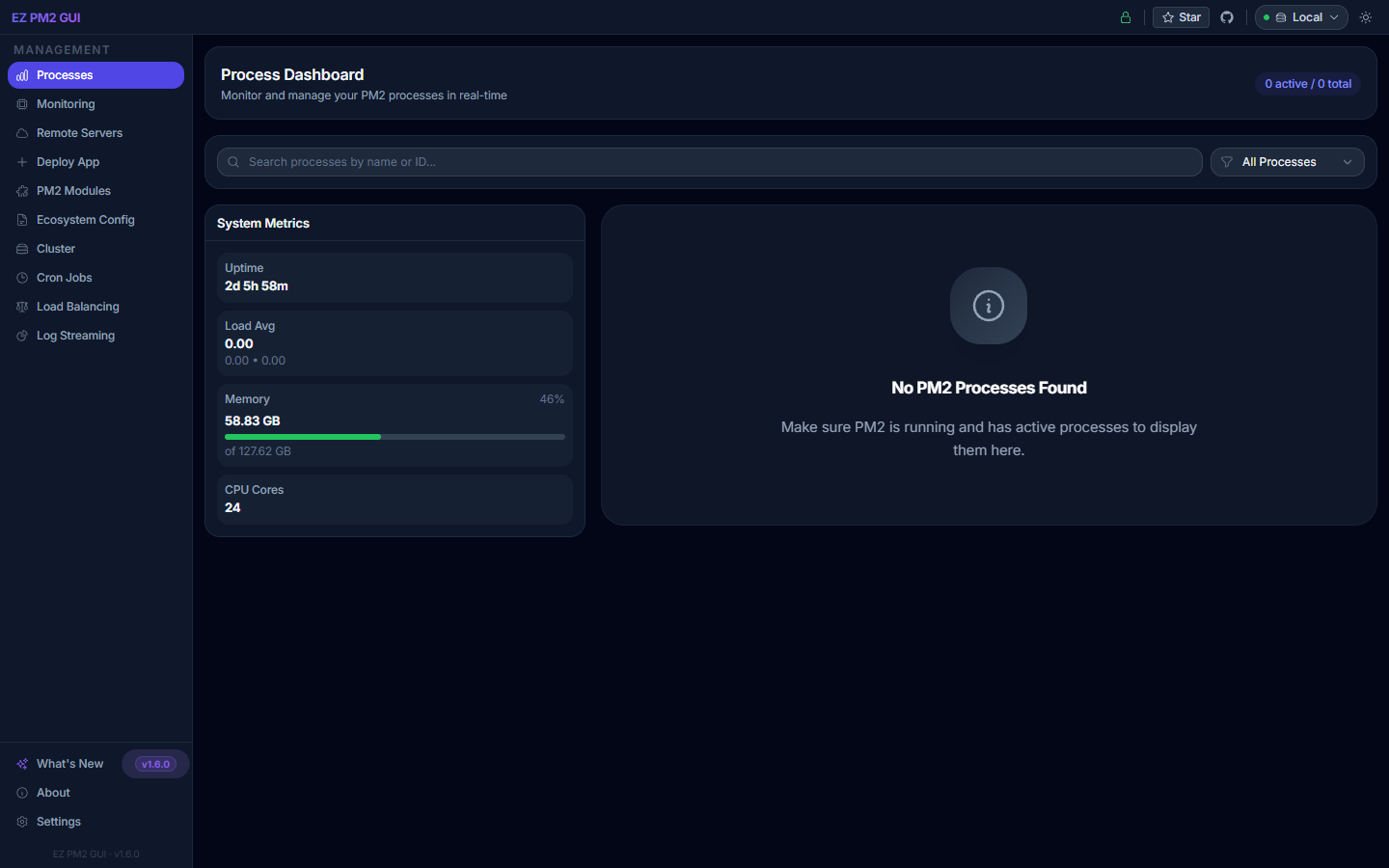
Process Dashboard

Process Dashboard

All running PM2 processes with CPU, memory, and uptime at a glance.

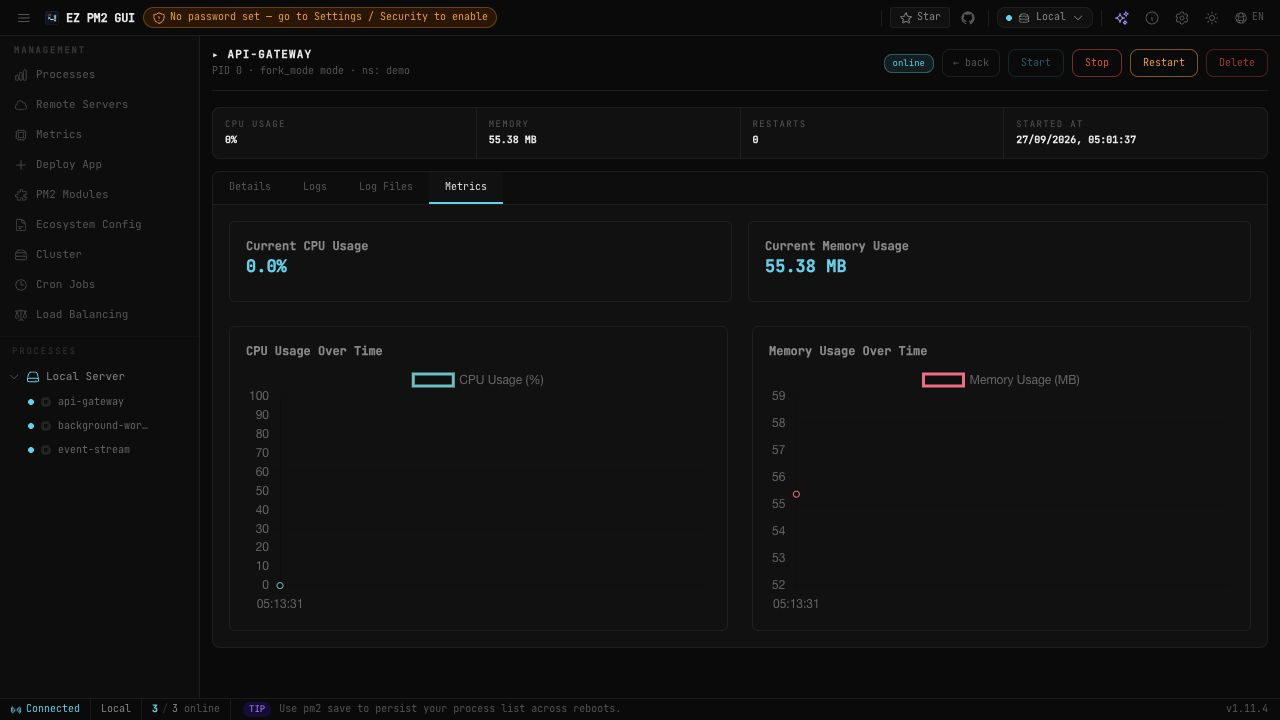
Process Monitor

Process Monitor

Real-time CPU, memory and uptime per process — sortable table with aggregate peaks.

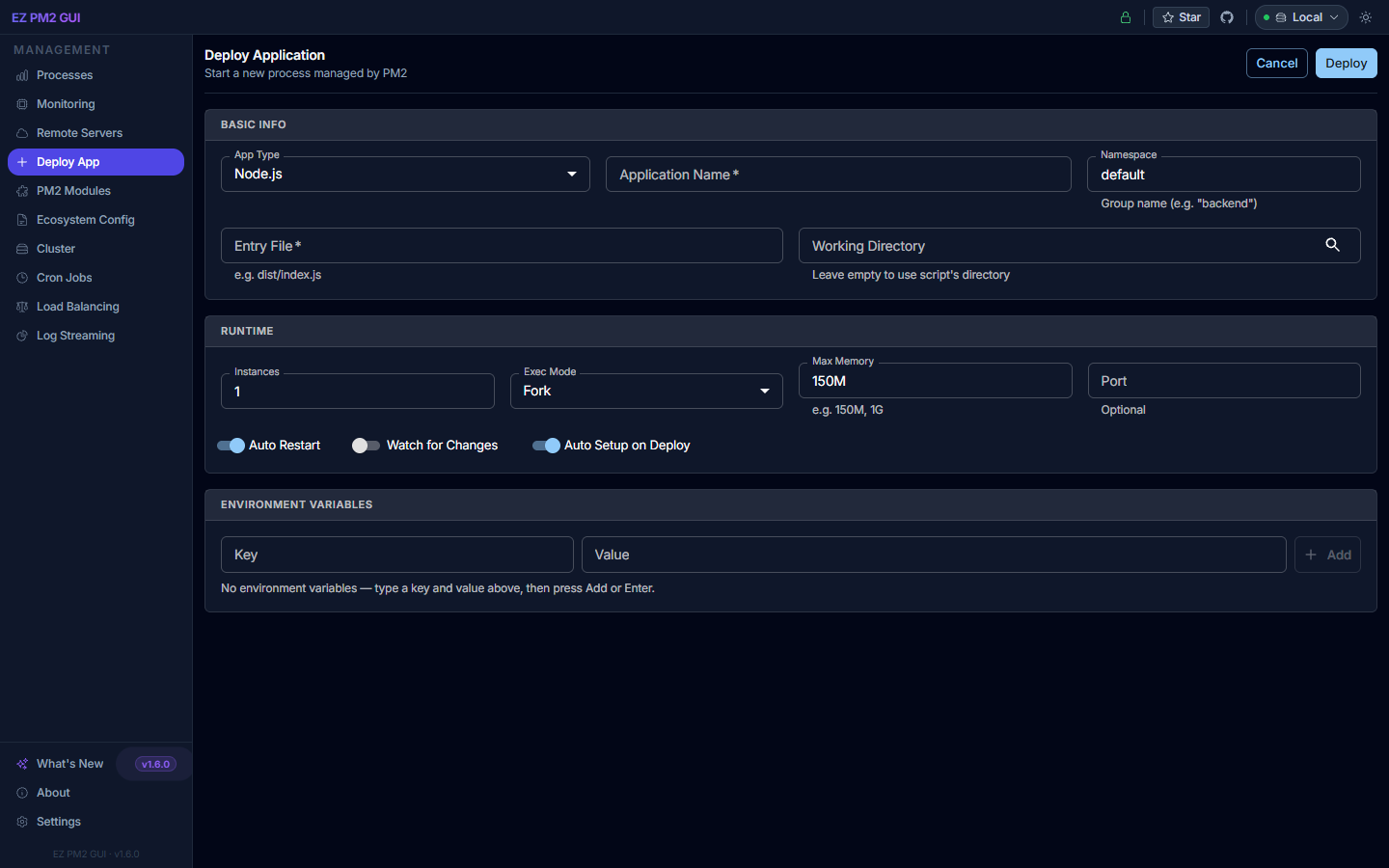
Deploy Application

Deploy Application

Structured form to start and configure new Node.js applications without a terminal.

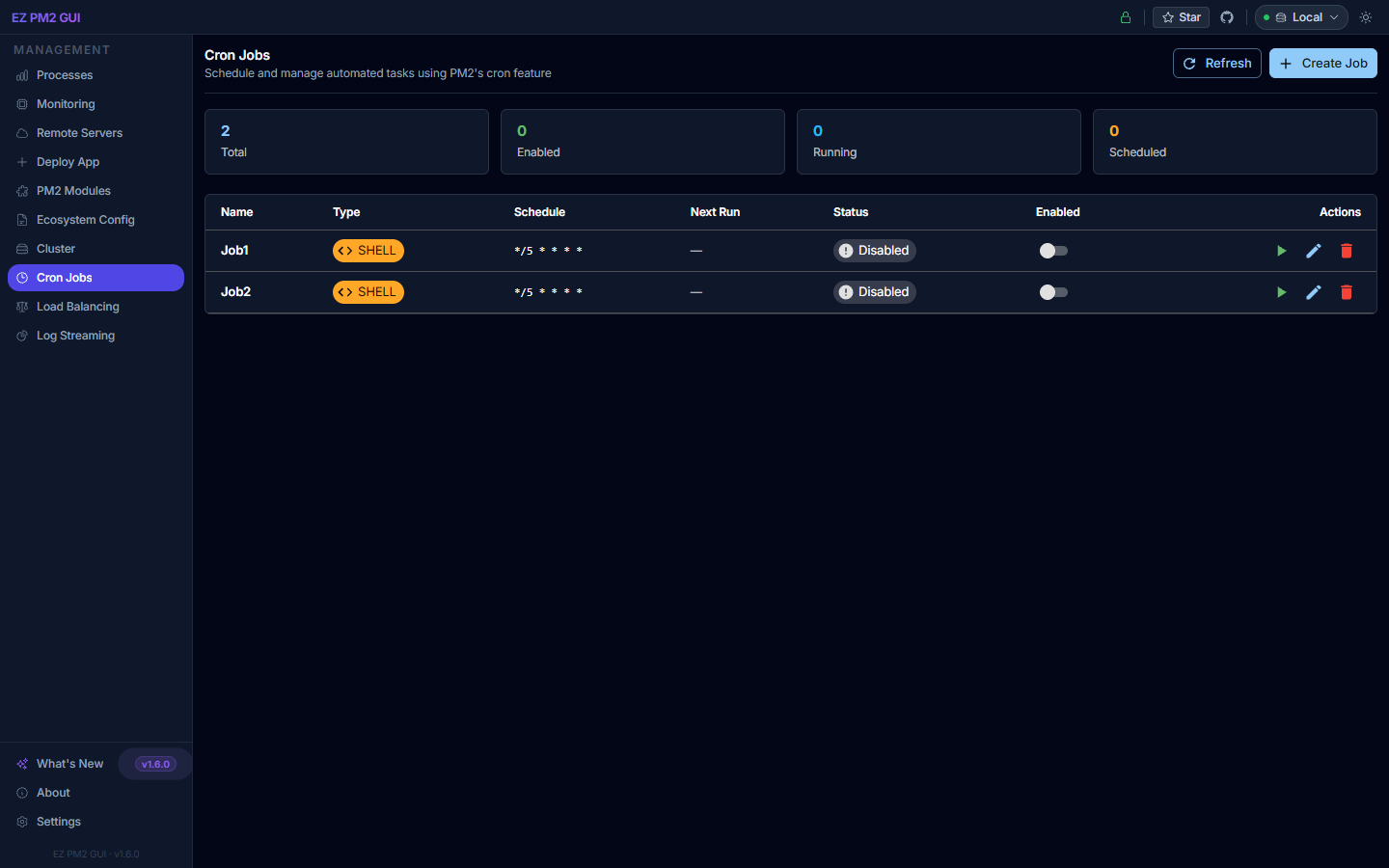
Cron Jobs

Cron Jobs

Schedule recurring tasks with standard cron expressions — shell, Node.js, Python and .NET.

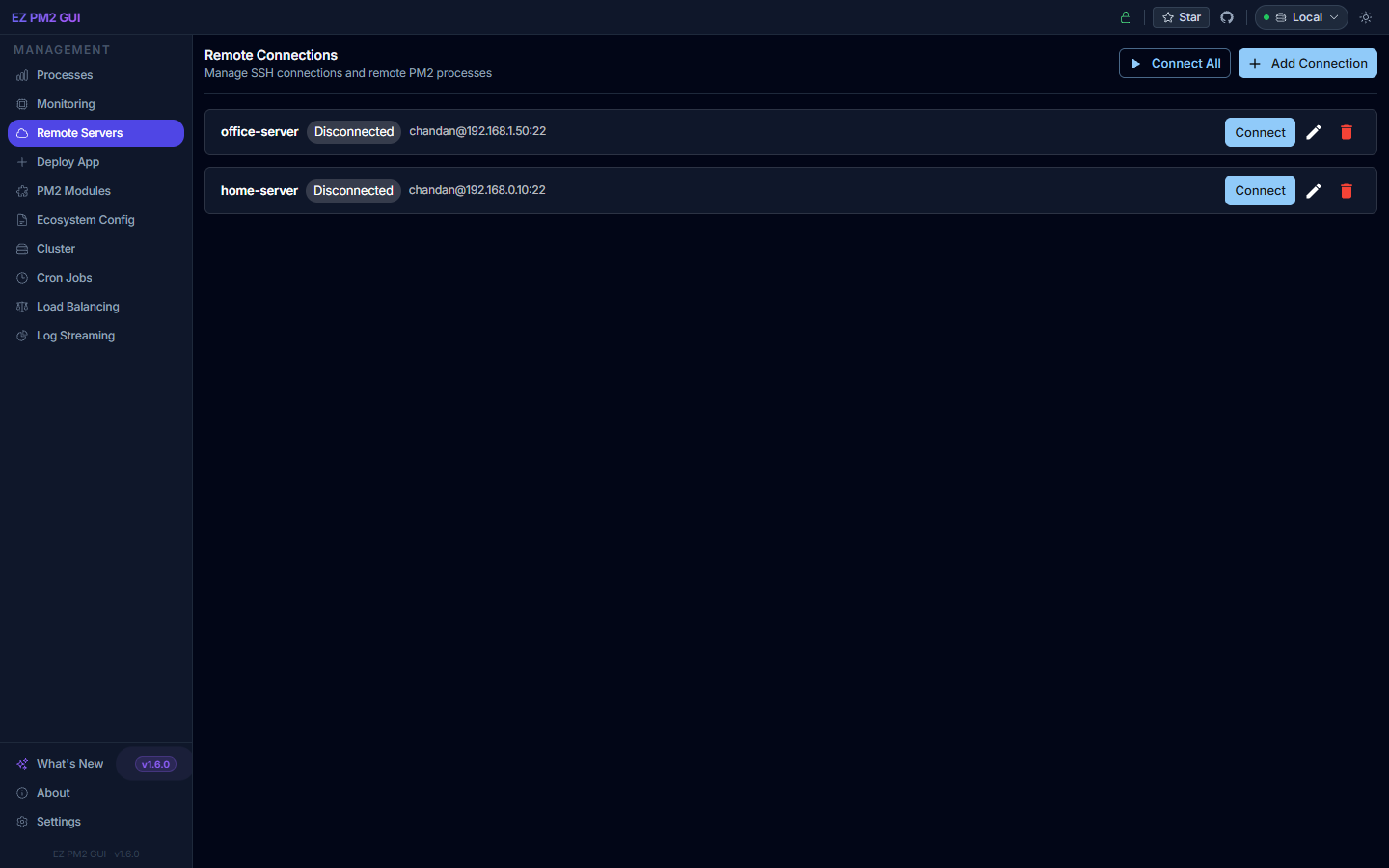
Remote Servers

Remote Servers

Manage PM2 on other hosts over SSH — AES-256 encrypted credentials, single-click switching.

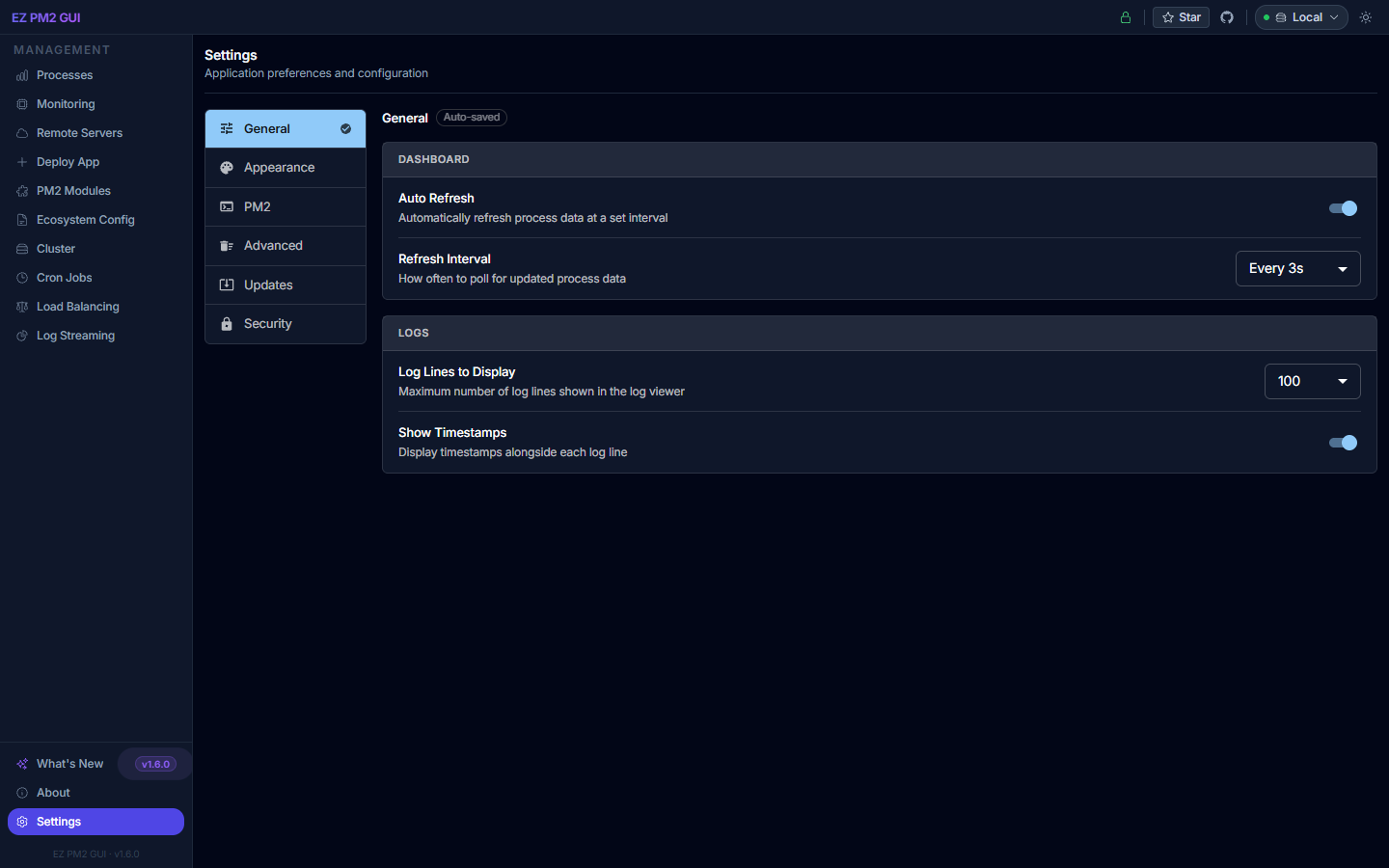
Settings

Settings

Auto-refresh, log buffering, theme, PIN lock, and one-click update checks in one place.

Up and running in seconds

Multiple installation options to fit your workflow.

1

Install globally

$ npm install -g ezpm2gui
2

Launch the server

$ ezpm2gui
3

Open in your browser

Navigate to http://localhost:3101 — your PM2 processes load instantly.

1

Run directly with npx (no install needed)

$ npx ezpm2gui
2

Or install as a local project dependency

$ npm install ezpm2gui
3

Add a script to package.json

> "pm2-ui": "ezpm2gui"
1

Run with Docker

$ docker run -p 3101:3101 -v /root/.pm2:/root/.pm2 thechandanbhagat/ezpm2gui
2

Or use docker-compose

services: ezpm2gui: image: thechandanbhagat/ezpm2gui ports: - "3101:3101" volumes: - /root/.pm2:/root/.pm2
Compatible with Linux, macOS, and Windows. Requires Node.js 18+ and PM2 installed globally (npm install -g pm2).

Guides & Resources

Detailed documentation to help you get the most out of EZ PM2 GUI.

User Guide

Step-by-step guide to all features — from installation to cluster management and remote servers.

Read Guide

API Reference

REST API documentation for integrating or automating EZ PM2 GUI with your own tooling.

View API

GitHub

Browse the source code, report issues, request features, or contribute to the project.

Open GitHub

FAQ

Answers to common questions about setup, remote server connections, and troubleshooting.

Read FAQ

Start managing your processes better

Join thousands of developers who use EZ PM2 GUI to keep their Node.js applications healthy every day.